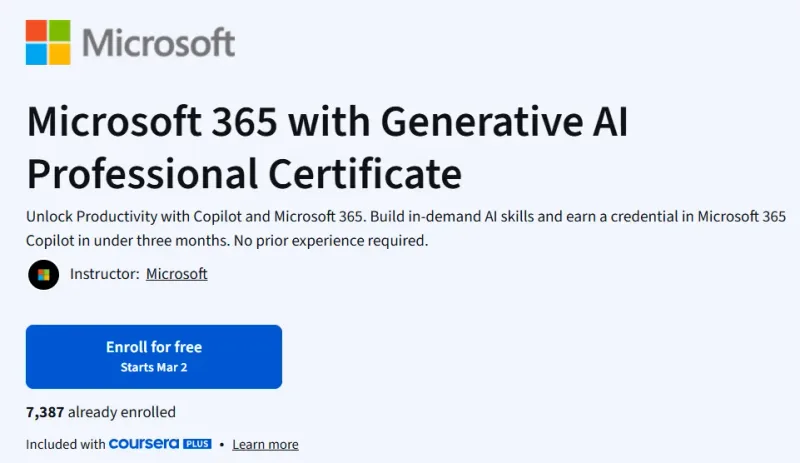
What will you learn in Microsoft 365 with Generative AI Professional Certificate course
- This professional certificate teaches you how to use Microsoft 365 Copilot to enhance workplace productivity across Word, Excel, PowerPoint, Outlook, and Teams. It focuses on practical, real-world applications of generative AI within Microsoft’s ecosystem.
- Learners will understand how Copilot assists in drafting documents, summarizing emails, generating reports, analyzing data, and automating repetitive office tasks.
- You will gain hands-on experience creating AI-powered workflows that save time and improve output quality in daily professional tasks.
- The program also emphasizes responsible AI usage, including verification of AI-generated content, privacy awareness, and ethical best practices.
- By the end of the certificate, learners will be able to confidently integrate Copilot into their daily work environment and demonstrate AI productivity skills to employers.
Program Overview
Introduction to Microsoft 365 Copilot
⏳ 2–3 weeks
- In this section, you will explore the fundamentals of Copilot and generative AI within Microsoft 365.
- Understand how Copilot integrates across applications.
- Learn key AI concepts relevant to productivity tools.
- Explore practical business use cases.
- Recognize limitations and verification needs of AI-generated content.
AI-Powered Document & Communication Management
⏳ 3–4 weeks
- This section focuses on enhancing writing and communication workflows.
- Use Copilot in Word to draft and edit professional documents.
- Generate summaries and responses in Outlook.
- Create meeting summaries and action items in Teams.
- Improve clarity and tone in business communication.
Data Analysis & Reporting with Copilot
⏳ 3–4 weeks
- Here, you will leverage AI for analytics and reporting.
- Generate Excel formulas and automate calculations.
- Create data summaries and visualizations.
- Build presentations in PowerPoint using AI suggestions.
- Transform raw data into actionable insights.
Workflow Automation & Productivity Optimization
⏳ 2–3 weeks
- This section explores advanced productivity strategies.
- Automate repetitive office tasks.
- Design AI-assisted project workflows.
- Improve collaboration using AI-powered tools.
- Optimize time management with Copilot features.
Capstone Project
⏳ 2–3 weeks
- In the final stage, you will complete a practical productivity project.
- Apply Copilot across multiple Microsoft applications.
- Create AI-assisted reports, emails, and presentations.
- Demonstrate workflow optimization strategies.
- Earn the Microsoft 365 Copilot for Productivity Professional Certificate upon completion.
Get certificate
Job Outlook
- AI-powered productivity skills are becoming essential in modern office environments across industries including finance, healthcare, marketing, consulting, and technology.
- Professionals who understand Microsoft 365 Copilot gain a strong competitive advantage in administrative and managerial roles.
- Employers increasingly seek candidates who can leverage AI to improve efficiency and collaboration.
- Roles such as Project Manager, Business Analyst, Operations Coordinator, Marketing Executive, and Administrative Professional benefit significantly from Copilot expertise.
- AI-driven productivity tools are becoming standard in digital workplaces.
- Microsoft ecosystem expertise combined with AI skills enhances career growth and adaptability.
- Organizations adopting AI expect employees to work smarter using automation and AI-enhanced decision-making tools.